9 Practical PC Maintenance Tips
Your computer needs small care every week, just like a car or a pet. These 9 practical PC maintenance tips cost nothing and take only minutes.
Do them regularly and your PC will stay fast and never give big problems.
1. Restart Once Every Day
Restart clears the brain of the computer.
Start → Power → Restart.
Do it every evening or every morning. Problems disappear by themselves.
2. Empty the Recycle Bin Every Week
Deleted files still take space until you empty the bin.
Right-click Recycle Bin → Empty Recycle Bin.
You can free many gigabytes.
3. Clean Junk Files Once a Month
Search for “Disk Cleanup” → choose drive C: → tick everything → OK.
It removes temporary files that nobody needs.
4. Keep Windows Updated
Settings → Windows Update → Check for updates → Install all.
Updates fix hidden problems and protect you from new dangers.
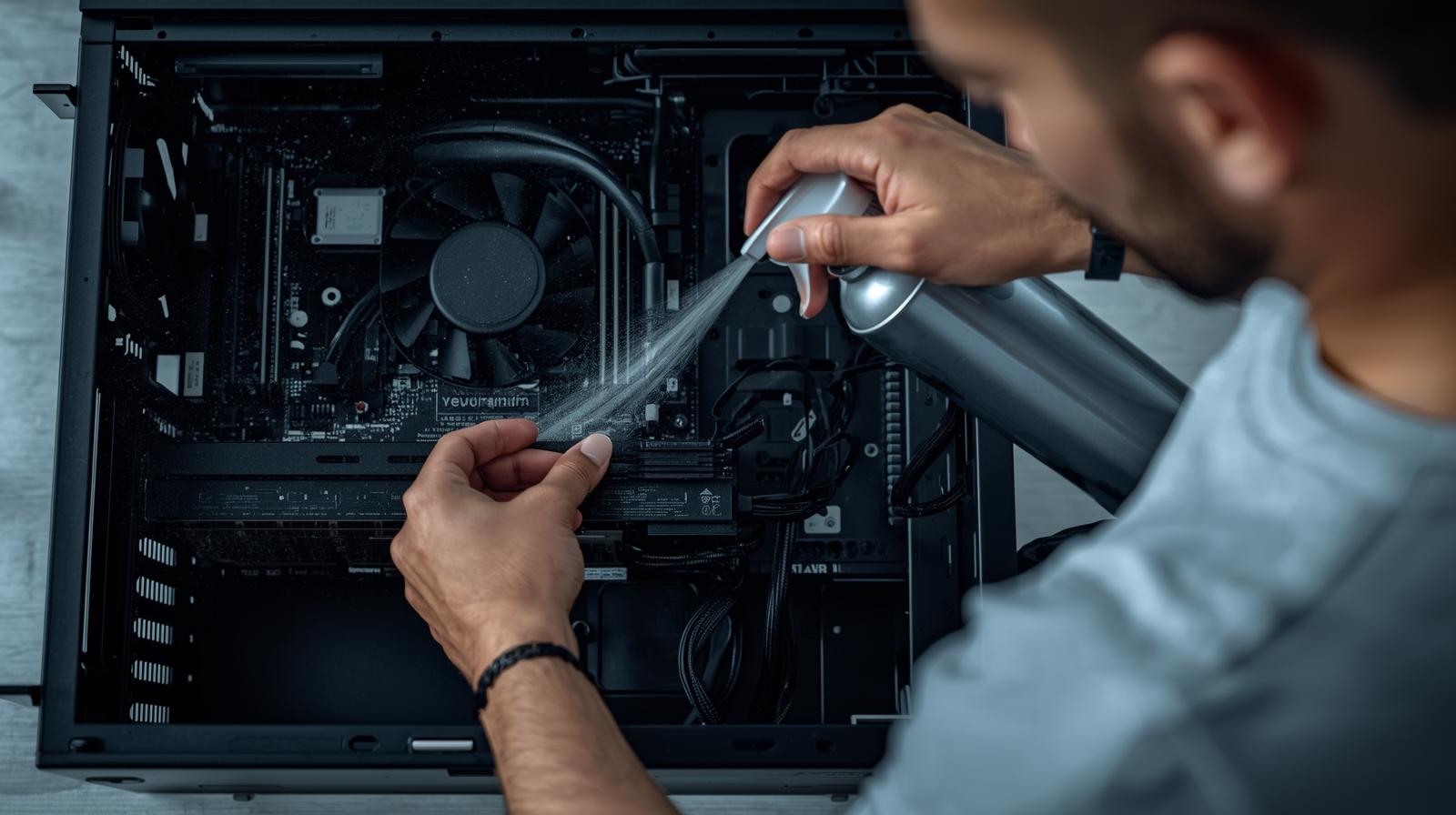
5. Dust the Computer Every 3–6 Months
Turn the computer off and unplug it.
Use a soft brush or can of compressed air on the keyboard and vents.
Dust is the number one killer of computers.
6. Scan for Viruses Once a Month
Open Windows Security → Virus & threat protection → Quick scan (or Full scan if you have time).
It takes a few minutes and keeps you safe.
7. Keep At Least 20% Free Space on Drive C:
Open This PC → right-click C: → Properties.
If free space is red or below 20%, delete big files or move them to an external drive.
8. Clean the Screen and Keyboard Gently
- Screen: microfiber cloth only (same cloth you use for glasses)
- Keyboard: turn upside down and shake, then soft brush
Never use water or window cleaner.
9. Make a Backup Once a Month
Copy your Photos, Documents, and important folders to a USB drive or external hard disk.
If something bad happens, your memories are safe.
Quick Monthly Maintenance Schedule (10 minutes total)
- Monday: Restart
- Friday: Empty Recycle Bin + clean Downloads folder
- First day of month: Disk Cleanup + virus scan + backup
- Every 3 months: Dust the outside
Put a small note on your screen with these days.
You now know the 9 practical PC maintenance tips that professionals use. Start one tip today. Your computer will thank you with speed and silence.
Do these small things and your PC will work perfectly for many happy years!
Frequently Asked Questions
Q: My laptop gets very hot. What should I do?
A: Put it on a hard table, not on bed or sofa. Clean the vents with air. Use a cooling pad if needed.
Q: Do I need to turn off the computer at night?
A: Yes, or use Sleep mode. Complete shutdown once a day is best.
Q: I’m scared to delete something important. Help!
A: Disk Cleanup and Recycle Bin are safe. They never delete your personal photos or documents.
Q: How do I know if my computer needs dusting inside?
A: If the fan is very loud or the computer turns off by itself, it needs cleaning. Ask a shop or friend.
Start with Tip 1 right now – restart your computer. Feel the difference already!